Albānija
 Amerikas Savienotās Valstis
 Argentīna
 Austrija
 Austrālija
 Beļģija
 Bosnija un Hercegovina
 Brazīlija
 Bulgārija
 Dienvidāfrika
 Dānija
 Filipīnas
 France
 Grieķija
 Horvātija
 Igaunija
 Itālija
 Jaunzēlande
 Kanāda
 Kolumbija
 Latvija
 Lielbritānija
 Lietuva
 Luksemburga
 Meksika
 Melnkalne
 Moldova
 Norvēģija
 Nīderlande
 Polija
 Portugāle
 Rumānija
 Serbija
 Slovākija
 Slovēnija
 Somija
 Spānija
 Turcija
 Ukraina
 Ungārija
 Vācija
 Ziemeļmaķedonija
 Zviedrija
 Čehija
 Čīle
Čīle
 Īrija
Īrija
 Šveice



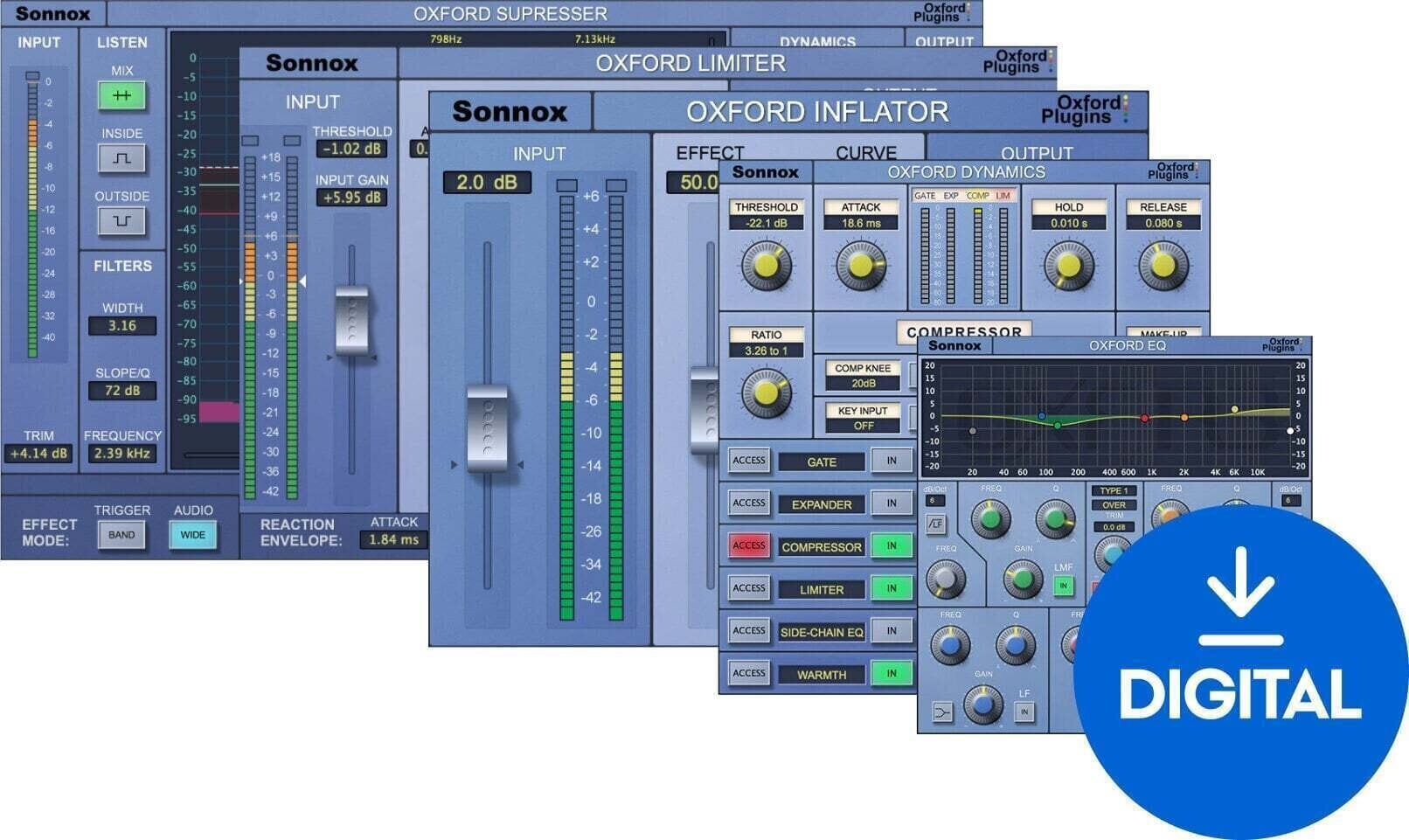
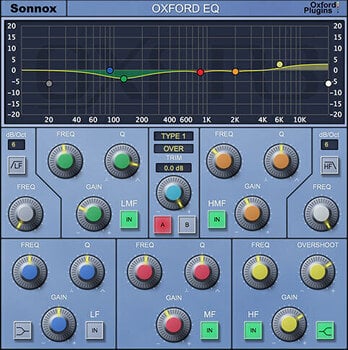
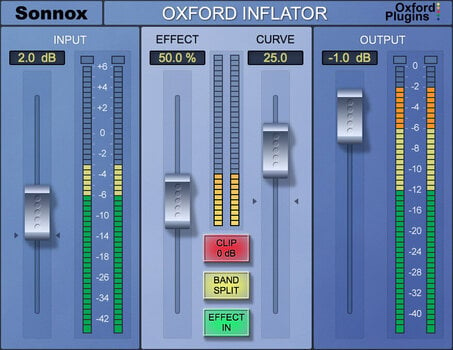
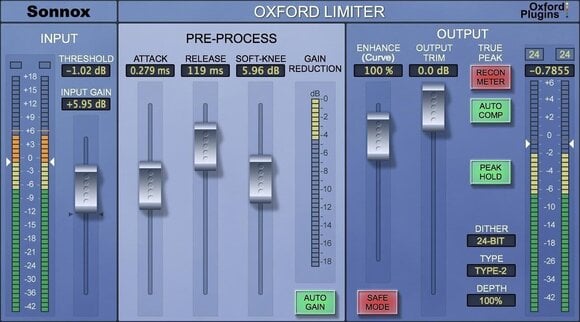
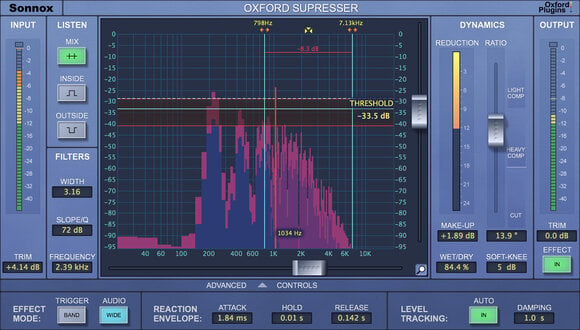
Sonnox Broadcast (Native) (Digitālais produkts)
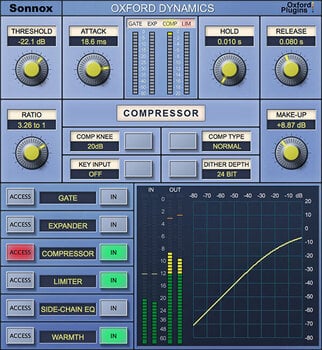
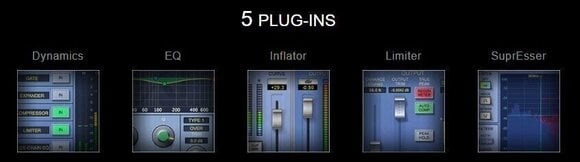
Sonnox Broadcast Native is a specialized bundle crafted to meet the unique demands of broadcast production. This package includes a suite of powerful tools designed to ensure clear, consistent, and compliant audio across all broadcasting mediums. The bundle features the Oxford EQ for precise tone shaping, Oxford Dynamics for optimal control over audio dynamics, Oxford SuprEsser for intelligent de-essing and dynamic frequency control, and the Oxford Limiter for maximizing loudness while ensuring compliance with broadcast standards.
These plugins are essential for broadcasters looking to maintain audio quality that stands up to rigorous broadcasting standards. With support for VST, AU, and AAX formats, Sonnox Broadcast Native integrates seamlessly into any professional broadcast environment, ensuring high-quality audio output for television, radio, and online streaming.
DOWNLOAD: http://www.sonnox.com/register
In order use Sonnox plugins, you will need a free iLok account and the iLok Licence Manager installed in order to authorise your plugin and manage the licence. Please see Sonnox helpdesk article - What is iLok? for a detailed overview.
To register for a free iLok account and to create your iLok ID, please follow this link.
After registering, please then download and install the iLok Licence Manager.
After installing Licence Manager on your system, please log in with your new ID and password. Please then go back to your Sonnox order confirmation email, and click on the 'Download' link again to go back to the iLok Licence deposit window. Please then enter your iLok ID where prompted, and this will deposit your licence into your iLok account for you to activate in your newly installed Licence Manager software. You'll then be redirected to the installer page to download the plugin.
Then see the following helpdesk articles for further information on how to store, manage and activate your licences:
Which locations can I use for my Sonnox licence?

Licences ilgums
Download
Compatibility
Compatible with
Supported plug-in formats
AAX, VST, AU
Dokumenti
Drošības instrukcijas
Lūdzu, skati šī produkta īpašos drošības norādījumus lietotāja rokasgrāmatā.